
Download ScreenHunter – Free Screen Capture & Video Recording Software for Windows, Mac, Android, iOS
Looking for a reliable, easy-to-use tool to capture your screen in high-quality images or videos? ScreenHunter is a powerful yet lightweight software designed for users who need to record their desktop activity, create tutorials, document processes, or save content from online classes. Whether you're a student, educator, gamer, or content creator, ScreenHunter offers a simple interface and essential features to get the job done.
With support for multiple formats including JPG, PNG, GIF, MP4, and FLV, this free software lets you capture anything on your screen with minimal effort. The intuitive layout, accessible via five main tabs—Capture, Save Image, Save Video, Options, and Tools—ensures a smooth experience even for beginners. While the free version limits recording to 10 minutes, the paid upgrade unlocks unlimited recording time and advanced editing tools.
Download ScreenHunter today and start capturing your digital world with confidence.
Why ScreenHunter Stands Out: Key Features & Functionalities
ScreenHunter delivers a solid set of tools tailored for both casual and professional screen capture needs. One of its standout features is the ability to capture both static images and real-time video recordings with ease. The Capture tab allows users to select any screen area—whether a full monitor, a specific window, or a custom region—with one click. This precision makes it ideal for highlighting specific content during online lectures, software demos, or troubleshooting sessions. The software also supports real-time video recording, capturing every mouse movement, keystroke, and screen transition, perfect for creating step-by-step tutorials or gaming walkthroughs.
For image users, the Save Image tab offers a variety of export formats: JPG, PNG, PDF, GIF, and BMP. Each format is optimized for different use cases—PNG for transparent backgrounds, GIF for short animated clips, and PDF for document sharing. The Save Video tab provides deeper customization, letting users adjust resolution, frame rate (FPS), and sound input settings. You can choose between MP4 and FLV formats, ensuring compatibility across platforms. The built-in audio capture feature ensures that voiceovers, system sounds, or application audio are recorded clearly, enhancing the quality of your content.
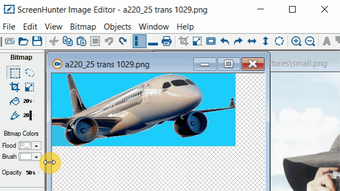
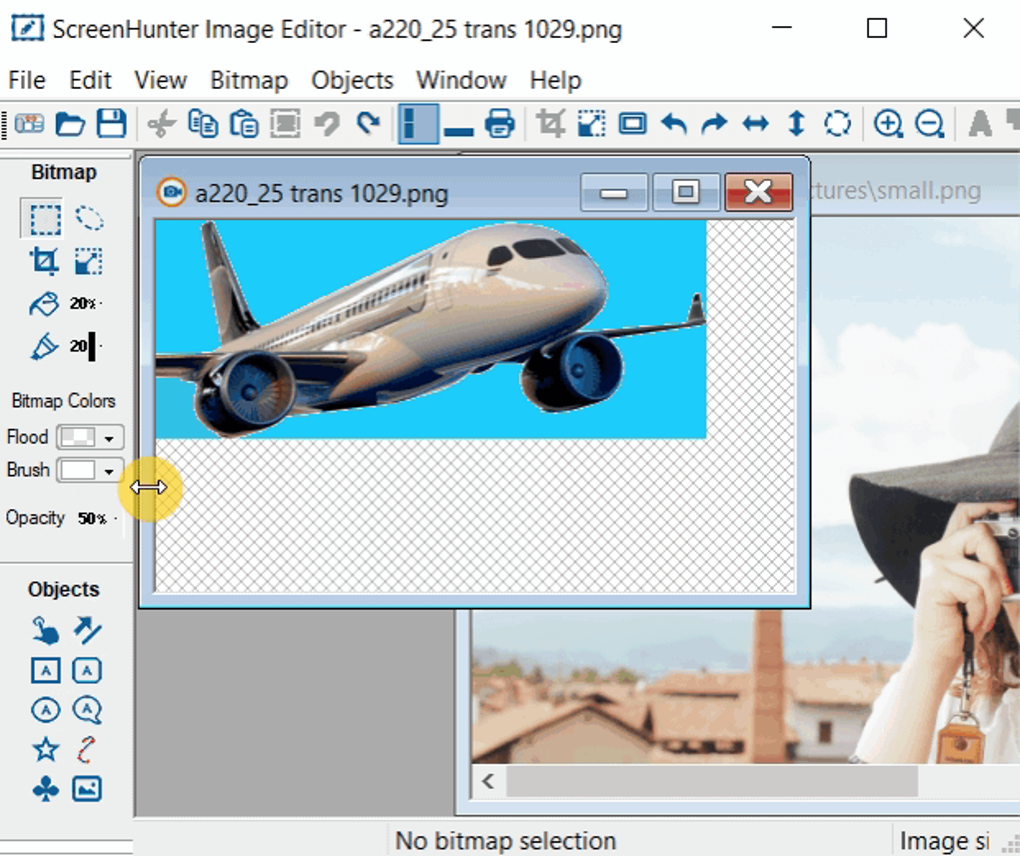
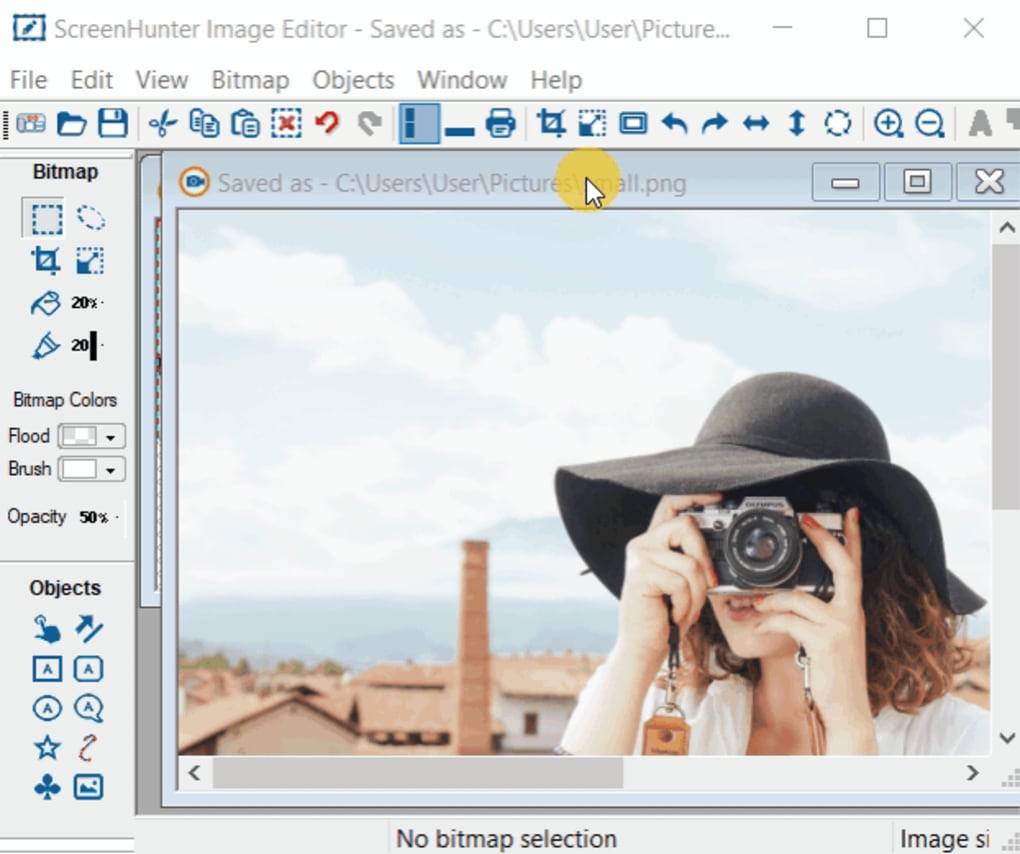
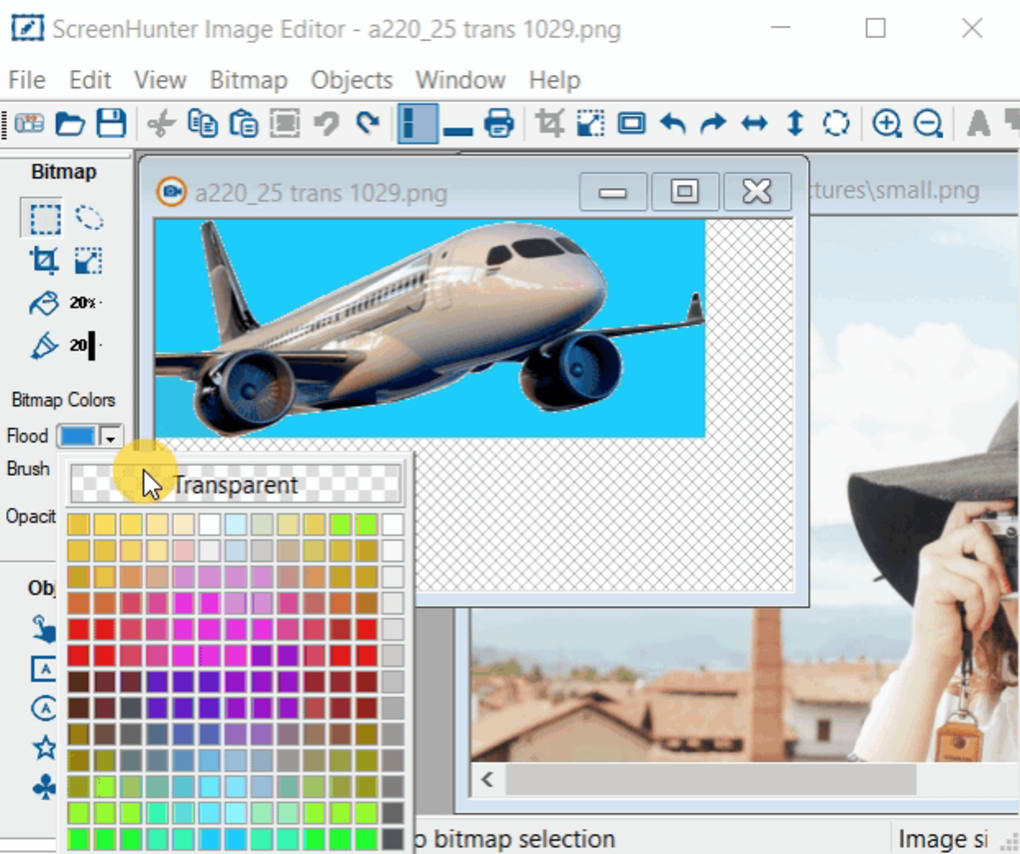
Despite being free, ScreenHunter includes useful tools like a built-in image editor, basic annotation tools, and the ability to add timestamps or watermarks. These features make it more than just a capture tool—it’s a complete solution for quick documentation. While it may lack advanced video editing capabilities found in premium tools, its core functionality is reliable and efficient. Whether you're recording a Zoom meeting, capturing a software bug, or saving a tutorial, ScreenHunter provides the essentials without overwhelming the user.
How to Install & Use ScreenHunter: Step-by-Step Guide
Installing ScreenHunter is straightforward and takes less than five minutes. Begin by visiting the official website and downloading the latest version compatible with your operating system—Windows, Mac, Android, or iOS. The installer is lightweight and doesn’t require high system resources, making it suitable for older machines. Once downloaded, run the file and follow the on-screen prompts. The setup wizard will guide you through the installation process, asking for your preferred installation directory and whether to create desktop shortcuts.
After installation, launch ScreenHunter. The main interface is divided into five intuitive tabs: Capture, Save Image, Save Video, Options, and Tools. To start capturing, click the Capture tab.
You’ll see options to select the entire screen, a specific window, or a custom region. Use the crosshair tool to drag and define your capture area. Once selected, click “Start” to begin recording.
A small overlay will appear, showing the recording status and remaining time (up to 10 minutes in the free version).
For video recording, navigate to the Save Video tab. Here, you can set your desired resolution (e.g., 720p or 1080p), frame rate (24–60 FPS), and audio input source. You can choose to record system audio, microphone input, or both.
After configuring, press “Record” and perform your actions. When done, click “Stop” to save the file. The software automatically opens the file in the Save Video section, where you can rename it and choose the output folder.
For images, use the Save Image tab to pick your format and destination. The process is fast, intuitive, and requires no technical knowledge.
Compatibility & System Requirements: Works Across Devices
ScreenHunter is designed for maximum accessibility, supporting a wide range of operating systems and devices. The software is officially available for Windows 7, 8, 10, and 11, ensuring compatibility with most desktop and laptop users. For Mac users, a dedicated version is available, offering the same core features with native Apple Silicon and Intel support. This cross-platform availability makes it a versatile choice for users who switch between Windows and macOS environments.
Additionally, ScreenHunter offers mobile versions for Android and iOS, allowing users to capture screen content directly from their smartphones and tablets. The mobile apps are optimized for touch interfaces, with simple tap-to-capture and gesture-based controls. Whether you're recording a mobile app tutorial, capturing a social media post, or documenting a mobile workflow, the mobile version delivers reliable performance.
System requirements are minimal. For Windows and Mac, you’ll need at least 1 GB of RAM, 50 MB of free disk space, and a processor from the last decade. The software runs efficiently even on older hardware, making it ideal for educational institutions, remote workers, and budget-conscious users. No additional drivers or plugins are required—everything works out of the box. The lightweight design ensures minimal impact on system performance during recording, so you can multitask without lag.
Pros & Cons: Is ScreenHunter Right for You?
- Pros:
- Free to download and use with no hidden fees
- Simple, intuitive interface suitable for beginners
- Supports both image and video capture with multiple formats
- Real-time recording with audio input options
- Available on Windows, Mac, Android, and iOS
- Lightweight with low system requirements
- Includes basic editing tools and annotations
- Cons:
- Free version limits recording to 10 minutes
- Interface feels outdated compared to modern alternatives
- Lacks advanced video editing features (e.g., transitions, effects)
- Minimal customization in the free version
- Customer support is limited for free users
Frequently Asked Questions (FAQ)
What is ScreenHunter used for?
ScreenHunter is a screen capture and recording tool used to take screenshots, record video of desktop activity, and create tutorials, gaming clips, or documentation. It’s ideal for students, educators, content creators, and professionals who need to share visual content.
Is ScreenHunter free to use?
Yes, ScreenHunter offers a free version with core features like image capture and 10-minute video recording. However, advanced features such as unlimited recording time and enhanced editing are available in the paid version.
Can I record audio while capturing the screen?
Yes, ScreenHunter allows you to record system audio, microphone input, or both during video capture, ensuring clear voiceovers and sound effects in your recordings.
Does ScreenHunter work on Mac and mobile devices?
Yes, ScreenHunter is available for Mac, Android, and iOS. The mobile versions support screen recording directly from smartphones and tablets, making it convenient for on-the-go content creation.
What formats does ScreenHunter support for saving files?
For images, ScreenHunter supports JPG, PNG, PDF, GIF, and BMP. For videos, it offers MP4 and FLV formats, ensuring compatibility with most devices and platforms.
Final Verdict: Is ScreenHunter Worth Downloading?
ScreenHunter is a dependable, no-frills screen capture tool that delivers solid performance for basic tasks. While its interface may feel dated compared to modern alternatives like Icecream Screen Recorder or Free Screen Recorder, its core functionality remains strong. The ability to capture both images and videos with audio, combined with cross-platform support, makes it a practical choice for students, teachers, and casual users. However, the 10-minute recording limit in the free version is a significant drawback for anyone needing longer sessions.
If you’re looking for a quick, secure, and free way to record your screen without installing heavy software, ScreenHunter is worth a try. Just remember that for professional-grade editing, you may need to pair it with another video editor. Overall, it’s a reliable option for simple screen capture needs—download ScreenHunter today and start creating with confidence.







